
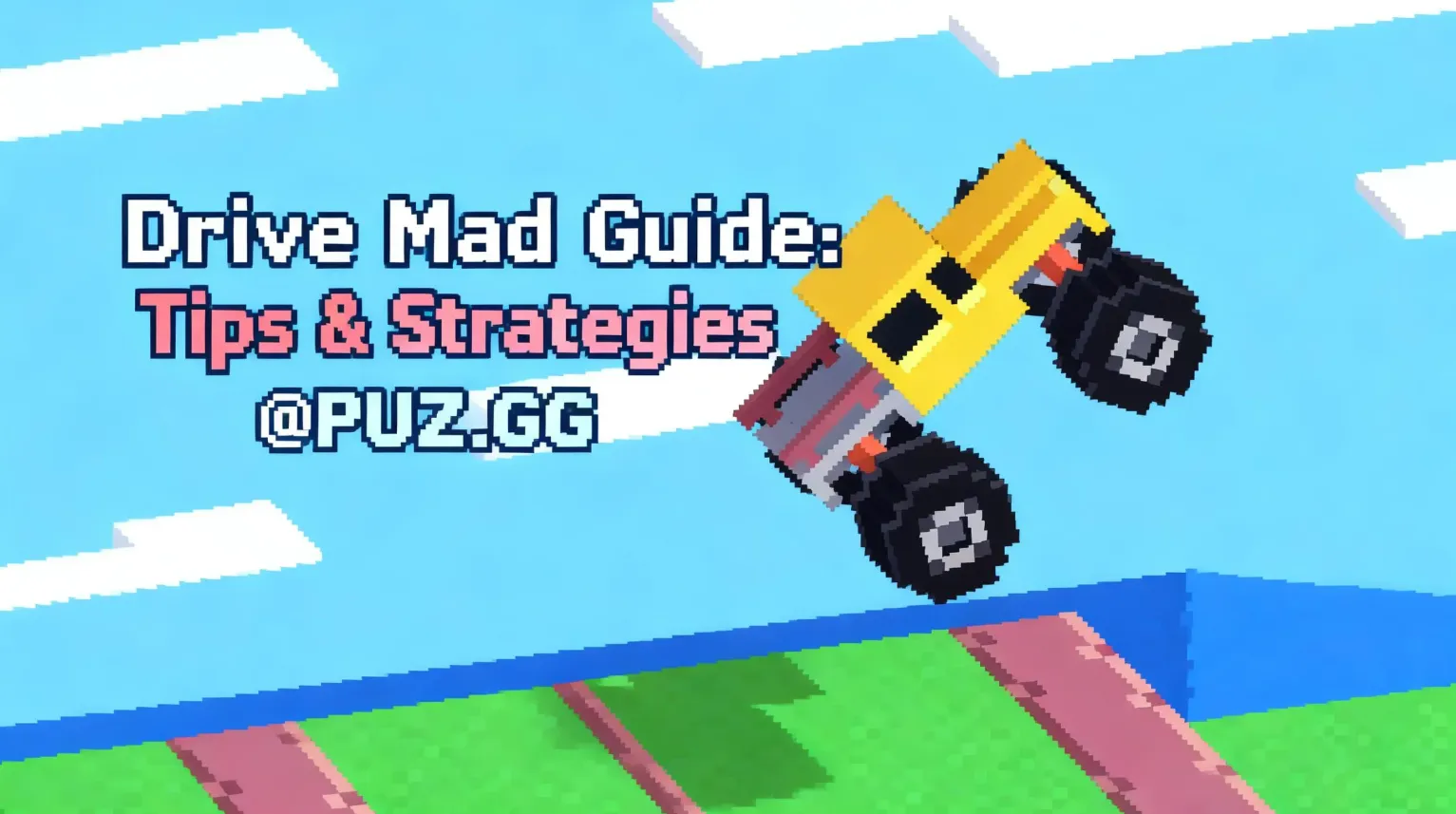
Drive Mad Quick Start Guide
If you want to play Drive Mad online and start improving immediately, follow this quick beginner setup.
1. Open the game in your browser
2. Use the right arrow key to accelerate
3. Control balance when landing from jumps
4. Avoid driving at full speed on unstable terrain
5. Reach the finish line without flipping the vehicle
Because the game uses physics mechanics, even small speed adjustments can determine whether you succeed or crash.
What Is Drive Mad?
Drive Mad is a physics-based browser driving game where players navigate obstacle-filled levels using precise acceleration and balance control.
Instead of traditional racing mechanics, the gameplay focuses on:
• vehicle balance
• terrain control
• obstacle timing
• momentum management
Each level introduces new challenges such as:
• unstable bridges
• steep ramps
• moving platforms
• narrow landing zones
This design makes Drive Mad one of the most addictive browser driving games available online.
How to Play Drive Mad
When you play Drive Mad online, the controls are simple but mastering them requires practice.
Basic Controls
• Move Forward: Right Arrow / D
• Move Backward: Left Arrow / A
• Balance Vehicle: Adjust acceleration
Your objective is simple:
Reach the end of each level without flipping your vehicle.
However, because the vehicle reacts to physics and terrain, maintaining control becomes increasingly challenging in later stages.
Why People Love to Play Drive Mad Online
Many browser games focus on speed, but Drive Mad stands out because of its physics-driven gameplay.
1. Physics-Based Movement
The vehicle reacts realistically to ramps, slopes, and obstacles. Players must carefully manage momentum to stay balanced.
2. Increasing Difficulty
Early levels introduce basic mechanics, while later levels require precise timing and control.
3. Short Replayable Levels
Each level is short, encouraging players to retry quickly and improve their technique.
Because of this design, many players continue replaying levels until they master the mechanics.
Beginner Tips for Drive Mad (2026)
If you're starting out and want to improve quickly when you play Drive Mad online, these tips will help you complete more levels consistently.
1. Avoid Full Acceleration
New players often crash because they hold the acceleration key constantly.
Instead:
• accelerate gradually
• adjust speed frequently
• avoid sudden bursts of speed
This gives you better control over the vehicle.
2. Control Your Landing
Many failures happen immediately after jumps.
When landing:
• reduce acceleration while airborne
• keep the vehicle balanced
• avoid front-heavy landings
Proper landing control prevents flipping.
3. Build Momentum for Hills
Steep ramps require enough momentum to climb successfully.
Approach hills with moderate speed to avoid stalling halfway up.
4. Slow Down Before Obstacles
Driving too fast increases the risk of losing control.
Instead:
• approach obstacles slowly
• adjust speed gradually
• maintain vehicle balance
Precision matters more than speed.
5. Learn from Failed Attempts
Because levels are short, repeating them is the fastest way to improve.
Each attempt helps you understand:
• obstacle patterns
• jump timing
• balance control
This learning process is part of what makes the game so satisfying.
👉 Play Drive Mad online free and practice these strategies
Play Drive Mad Unblocked at School
Many players search for ways to play Drive Mad online unblocked at school.
Because Drive Mad runs directly in a browser, it usually works on school devices without installation.
Key advantages include:
• no download required
• compatible with Chromebook devices
• runs in most modern browsers
• accessible on many school networks
Drive Mad is especially popular among students in the United States, Europe, and Southeast Asia, where browser games are often played during short breaks.
Does Drive Mad Work on Chromebook?
Yes. You can play Drive Mad online on Chromebook without installing anything.
Requirements:
• Chrome or modern browser
• keyboard controls enabled
• stable internet connection
Because the game runs entirely in the browser, most Chromebook devices can run it smoothly.
Related Driving Game
If you enjoy physics-based driving challenges, you might also like:
Both games focus on vehicle balance, momentum control, and obstacle navigation.
FAQ
Can you play Drive Mad online for free?
Yes. You can play Drive Mad online free directly in your browser with no download required.
Is Drive Mad difficult?
Drive Mad starts with simple levels but becomes increasingly challenging as obstacles and physics mechanics become more complex.
Can you play Drive Mad at school?
Yes. Because it runs in a browser, many players are able to play Drive Mad unblocked at school.
Does Drive Mad require download?
No. The game runs instantly in your browser and does not require installation.
Is Drive Mad a browser game?
Yes. Drive Mad is a browser-based driving game that works on desktop, mobile, and Chromebook devices.
Is Drive Mad similar to Monster Tracks?
Both games are physics-based driving games that require balance, timing, and careful speed control.
Final Thoughts
Drive Mad is easy to learn but challenging to master. With the right control of speed, balance, and momentum, players can gradually clear even the most difficult levels.
Because the game runs directly in your browser, you can start playing instantly.
Related Articles
Best Unblocked Browser Games for School (2026) – 10 Free Games, No Download & Chromebook Friendly
Play Monster Tracks Unblocked (2026) -- At School, No Download & Chromebook Friendly